Five steps from
Set it up once. After that Intentia stays quiet until you land on something you are about to buy.
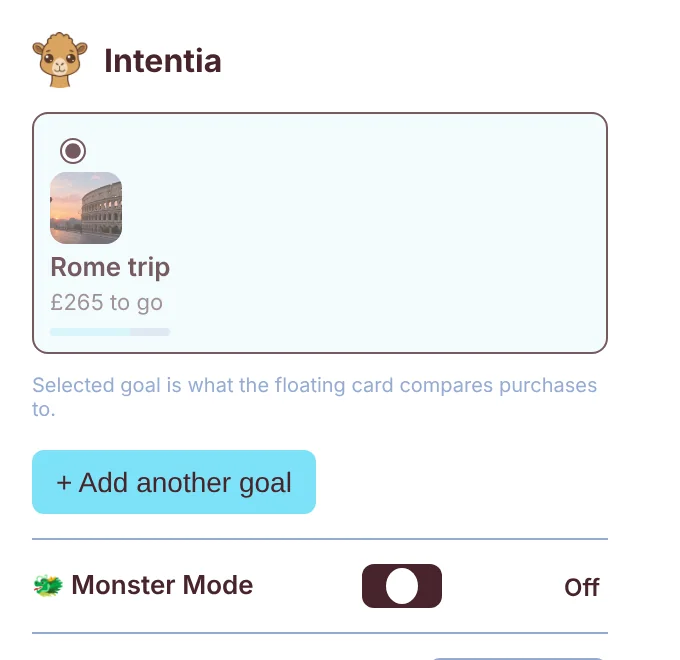
Pin Kai
Add Intentia to Chrome, click the puzzle piece in the toolbar, then the pin next to Intentia. Kai is now one click away on every page.
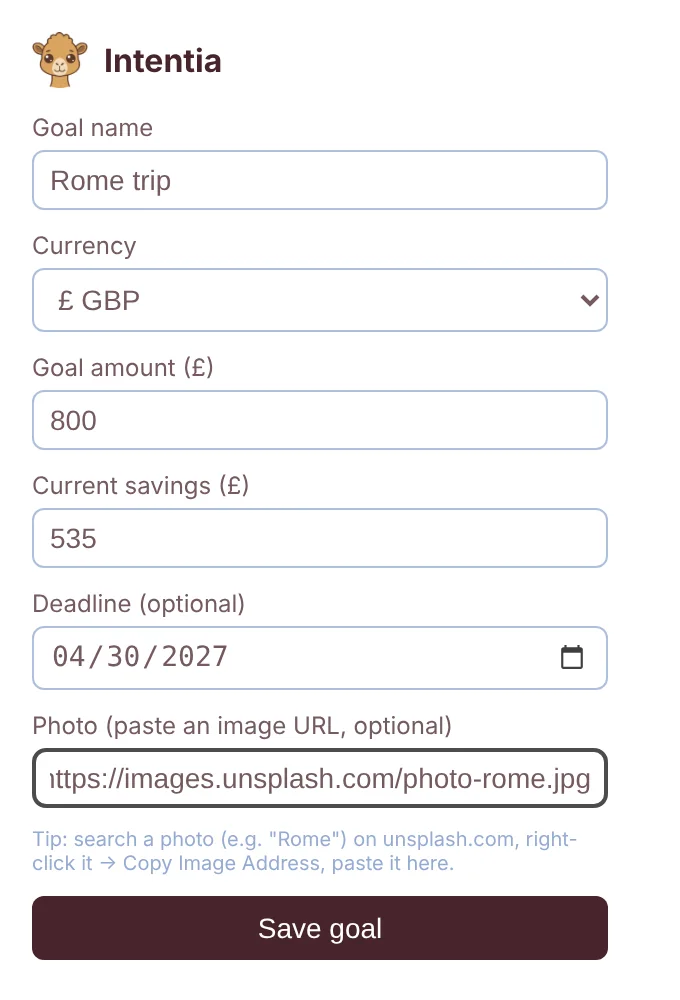
Add a goal
Click Kai and name what you are saving for. Add the amount, what you have saved so far, a date if you have one, and a photo that makes it real.
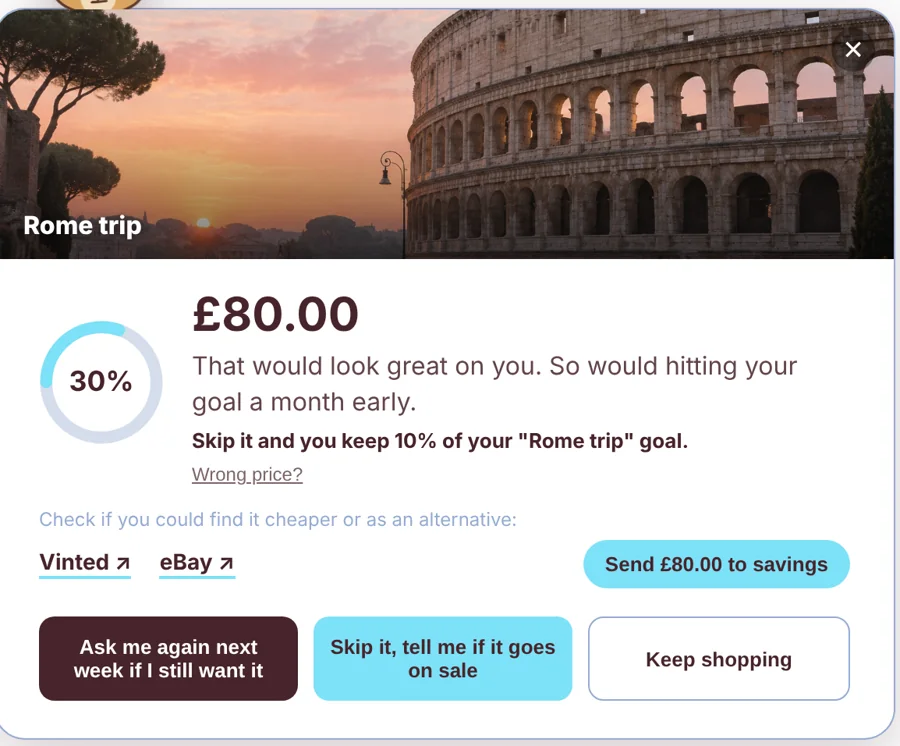
Shop as normal
On 43 UK shops, when you land on a product, the card slides in. It shows the price as a share of your goal and what skipping it would do.
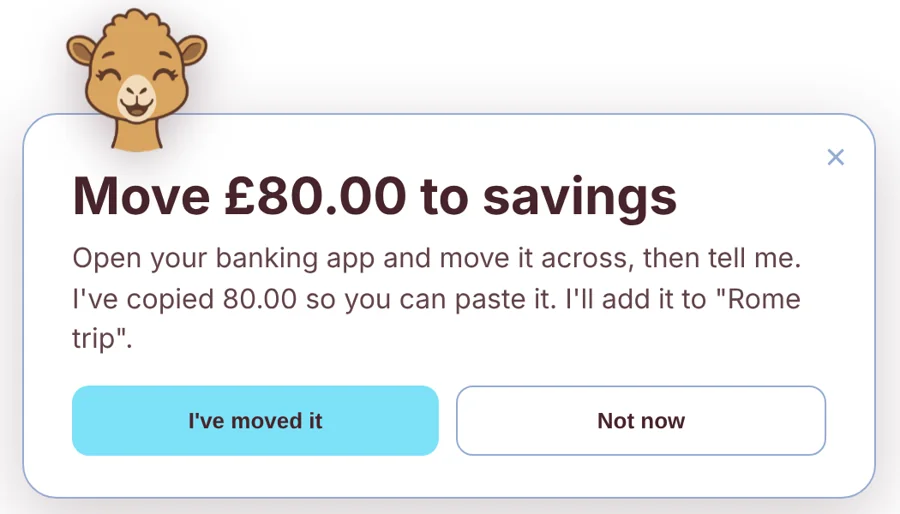
Decide
Send the money to savings, ask again next week, wait for a sale or keep shopping. When you skip, move the money yourself, then tell Kai and he adds it to your goal.
Build the habit
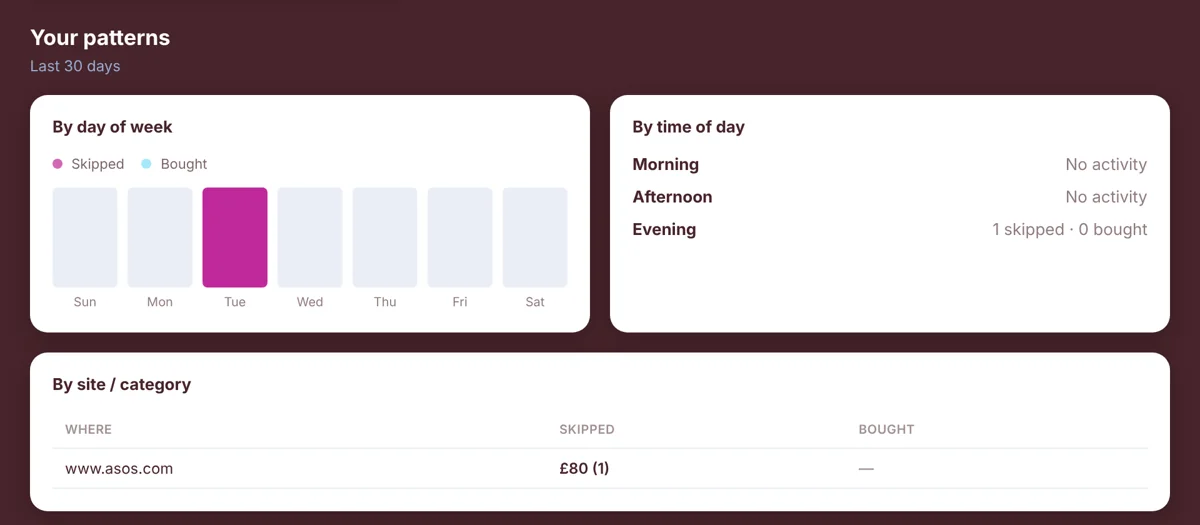
Your dashboard shows your streak, your milestones and the patterns behind your spending, by day, time and shop.
The whole thing in

Install Intentia in Chrome and set your first goal in under a minute.
Not on Chrome yet? Get an email when Intentia comes to your browser.